
- https://online.woodforest.com/login
- Username + Password
- Account& Routing No
- S.S.N + Email Access
- Full Name, Address
- Woodforest
[SAVINGS ACCOUNT]
- https://online.woodforest.com/login
- Username + Password
- Account& Routing No
- S.S.N + Email Access
- Full Name, Address
- Woodforest
[CHECKING ACCOUNT]
- https://online.woodforest.com/login
- Username + Password
- Account& Routing No
- S.S.N + Email Access
- Full Name, Address
- Woodforest
[SAVINGS ACCOUNT]
- https://online.woodforest.com/login
- Username + Password
- Account& Routing No
- S.S.N + Email Access
- Full Name, Address
- Woodforest
[SAVINGS ACCOUNT]
- https://online.woodforest.com/login
- Username + Password
- Account& Routing No
- S.S.N + Email Access
- Full Name, Address
- Woodforest
[CHECKING ACCOUNT]
- https://online.woodforest.com/login
- Username + Password
- Account& Routing No
- S.S.N + Email Access
- Full Name, Address
- Woodforest
[SAVINGS ACCOUNT]
- https://online.woodforest.com/login
- Username + Password
- Account& Routing No
- S.S.N + Email Access
- Full Name, Address
- Woodforest
[SAVINGS ACCOUNT]
- https://online.woodforest.com/login
- Username + Password
- Account& Routing No
- S.S.N + Email Access
- Full Name, Address
- Woodforest
[CHECKING ACCOUNT]
- https://online.woodforest.com/login
- Username + Password
- Account& Routing No
- S.S.N + Email Access
- Full Name, Address
- Woodforest
[SAVINGS ACCOUNT]
- https://online.woodforest.com/login
- Username + Password
- Account& Routing No
- S.S.N + Email Access
- Full Name, Address
- Woodforest
[SAVINGS ACCOUNT]
- https://online.woodforest.com/login
- Username + Password
- Account& Routing No
- S.S.N + Email Access
- Full Name, Address
- Woodforest
[SAVINGS ACCOUNT]
- https://online.woodforest.com/login
- Username + Password
- Account& Routing No
- S.S.N + Email Access
- Full Name, Address
- Woodforest
[CHECKING ACCOUNT]
Cashout Method

Direct Deposit to CashApp using Woodforest Bank Log
Requirements:
Verified cashapp account with history, email access and routing and account number attached
1:
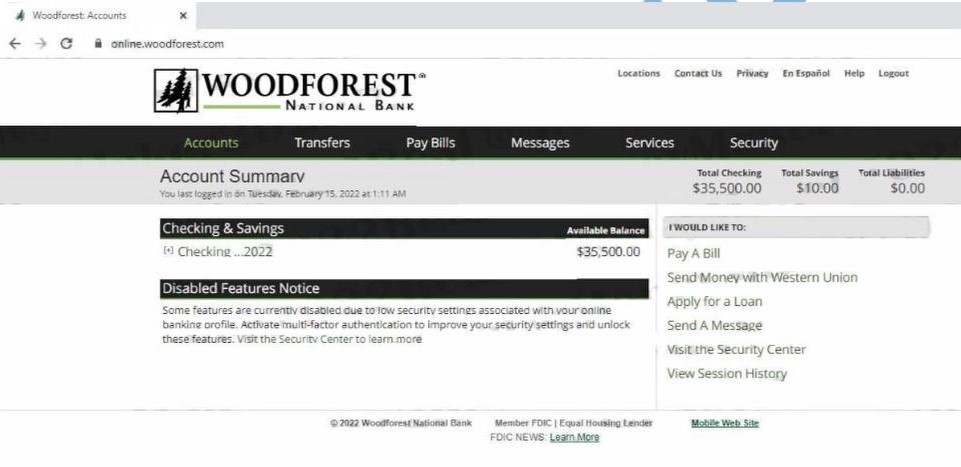
Login to the Woodforest bank log and confirm identity using code sent to the email access of the bank log you bought
2:
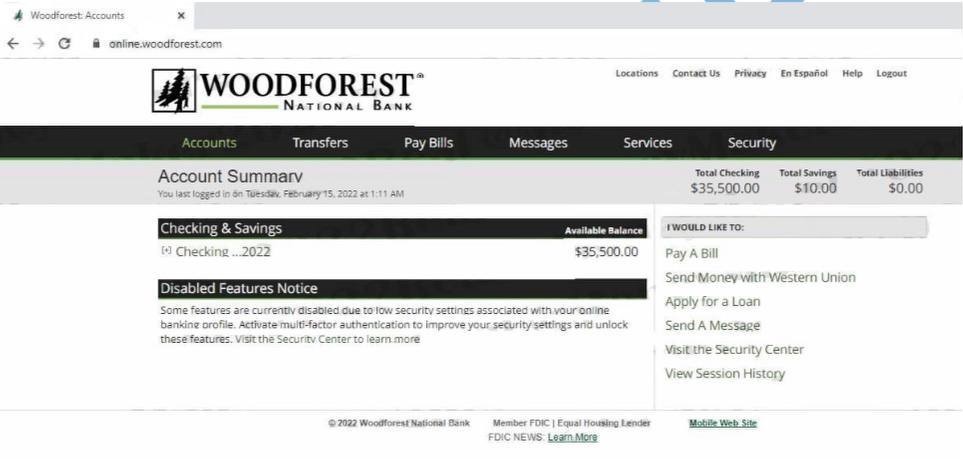
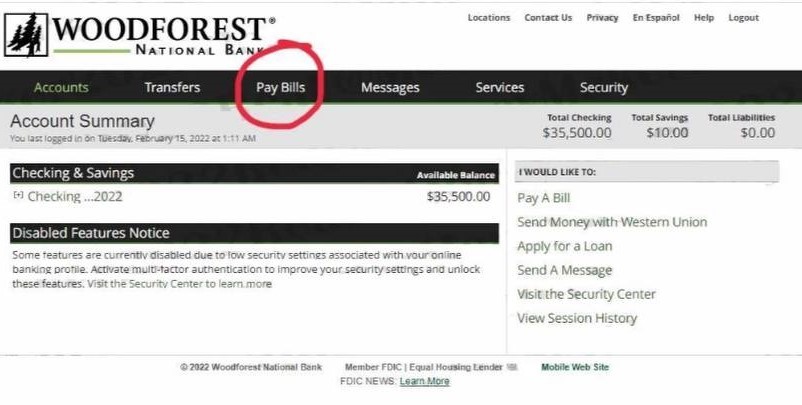
I have now logged into the bank log I purchased and it has a balance of $35K
3:
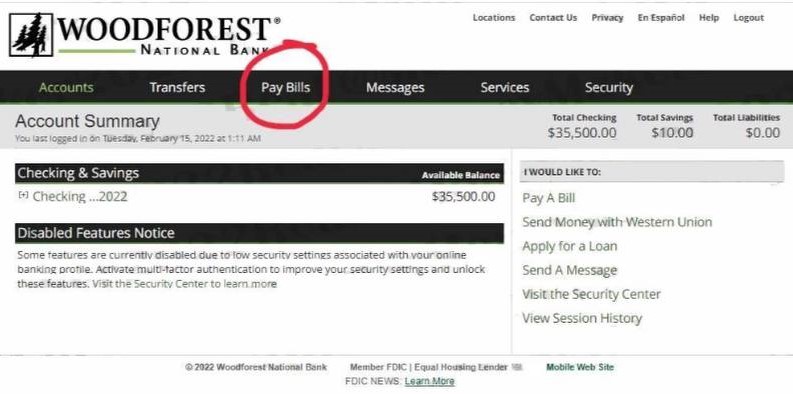
Now click on Pay Bills
4:
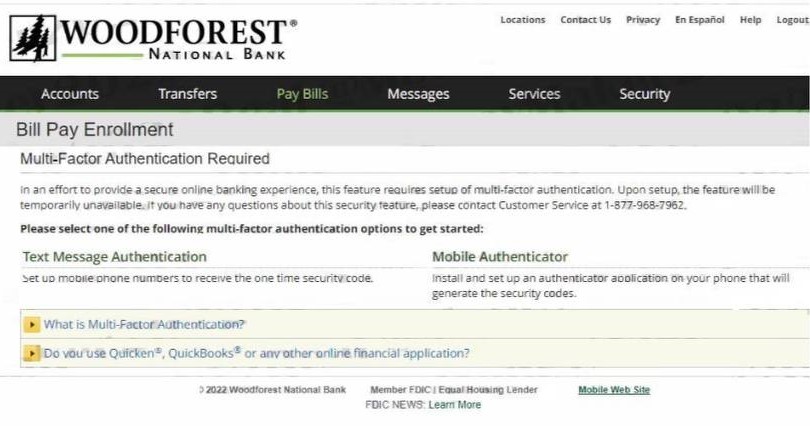
When it comes to Woodforest, you have to put on a Multi Factor Authenticator on when doing bill Pay
5:
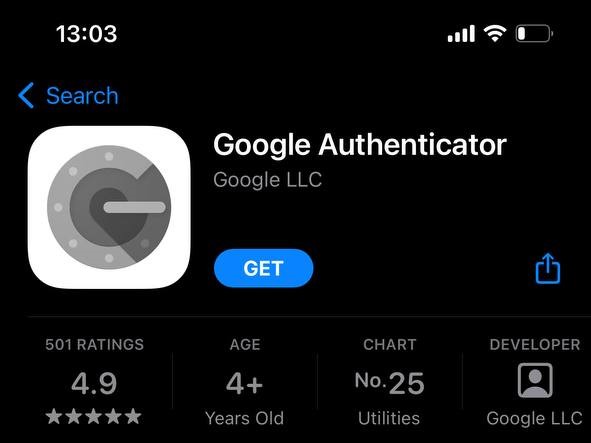
Download the Authenticator on Apple Store
6:
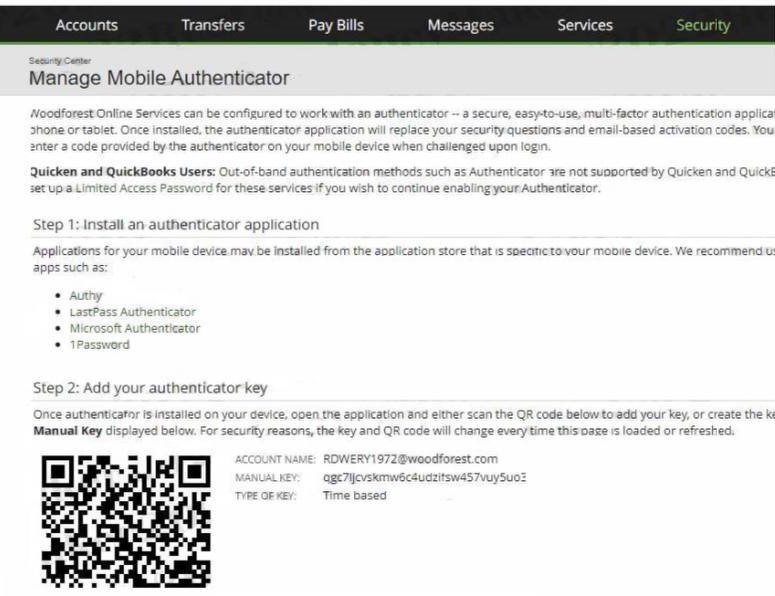
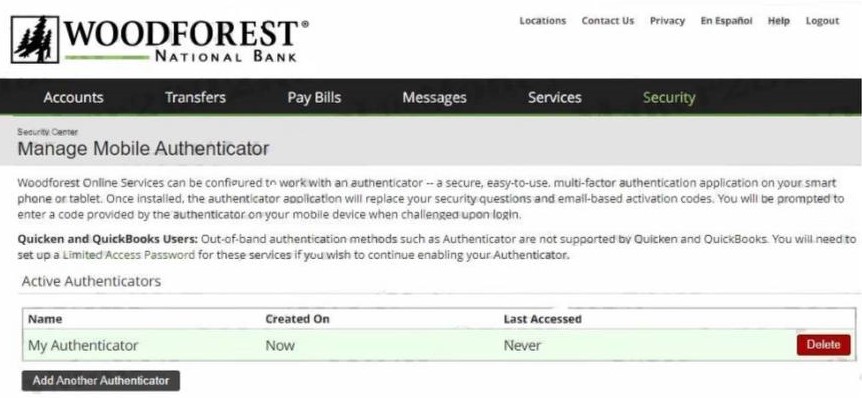
Scan the QR Code on that will be provided on the site to get a code
7:
The Authenticator is added so that you can make the account secure and safe to make transfers to your prepaid banks successfully
8:
Click on Bill Pay again
9:
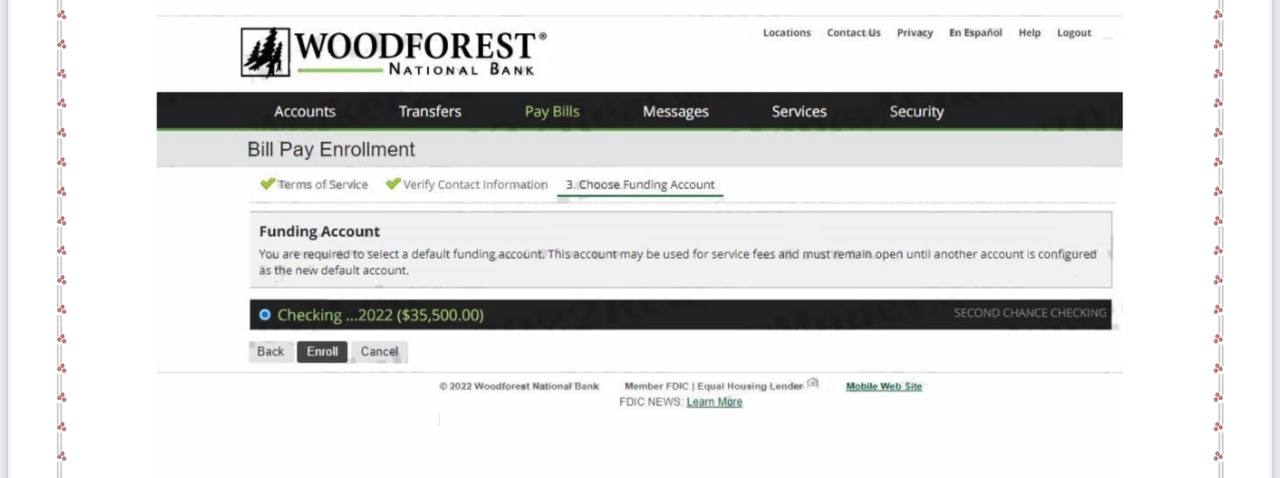
They’ll ask you where you want the money to be deducted from Click on Checking Account
10:
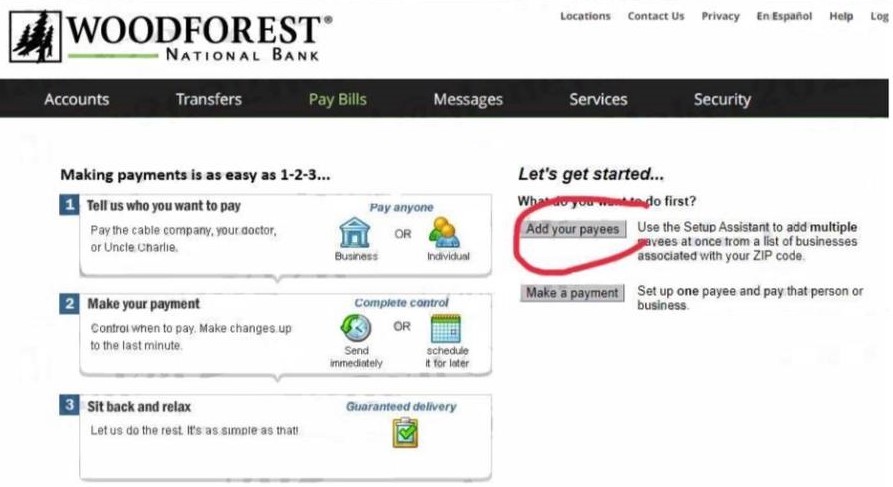
Click on Add Payee
11:
Now put in the name of the person you want to make the transfer to
12:
Fill in the Woodforest log with the cashapp account details (Name, routing number , account number and Address )
13:
Paypee has been added Successfully
14:
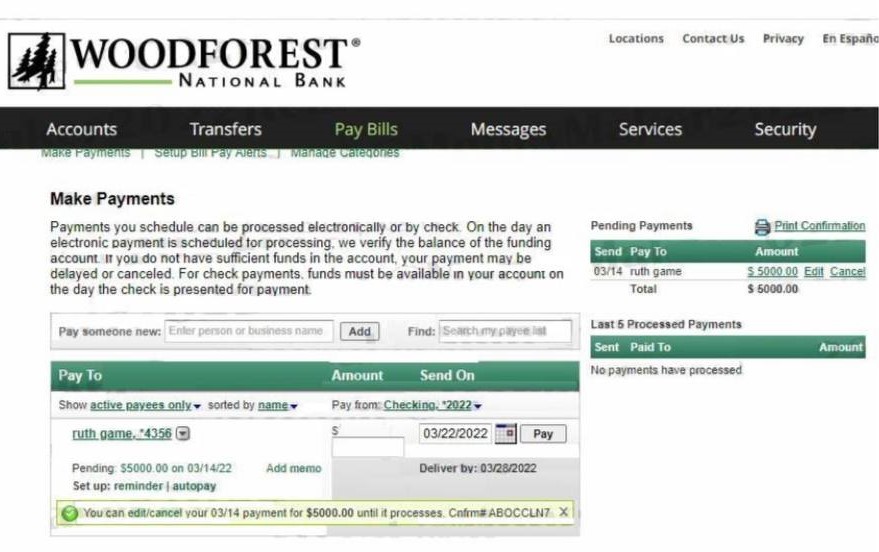
Now put in the amount you want to transfer to your cashapp The minimum is $5k and the highest is $20k
15:
Payment for $5000 has been sent successfully and will reflect under 24 hours on your cashapp
Last Step
Done !!! Enjoy✅✅