
- https://my.navyfederal.org/NFOAA_Auth/login.jsp
- Username + Password
- Account& Routing No
- S.S.N + Email Access
- Full Name, Address
- Navy Federal
[SAVINGS ACCOUNT]
- https://my.navyfederal.org/NFOAA_Auth/login.jsp
- Username + Password
- Account& Routing No
- S.S.N + Email Access
- Full Name, Address
- Navy Federal
[CHECKING ACCOUNT]
- https://my.navyfederal.org/NFOAA_Auth/login.jsp
- Username + Password
- Account& Routing No
- S.S.N + Email Access
- Full Name, Address
- Navy Federal
[SAVINGS ACCOUNT]
- https://my.navyfederal.org/NFOAA_Auth/login.jsp
- Username + Password
- Account& Routing No
- S.S.N + Email Access
- Full Name, Address
- Navy Federal
[SAVINGS ACCOUNT]
- https://my.navyfederal.org/NFOAA_Auth/login.jsp
- Username + Password
- Account& Routing No
- S.S.N + Email Access
- Full Name, Address
- Navy Federal
[CHECKING ACCOUNT]
- https://my.navyfederal.org/NFOAA_Auth/login.jsp
- Username + Password
- Account& Routing No
- S.S.N + Email Access
- Full Name, Address
- Navy Federal
[SAVINGS ACCOUNT]
- https://my.navyfederal.org/NFOAA_Auth/login.jsp
- Username + Password
- Account& Routing No
- S.S.N + Email Access
- Full Name, Address
- Navy Federal
[CHECKING ACCOUNT]
- https://my.navyfederal.org/NFOAA_Auth/login.jsp
- Username + Password
- Account& Routing No
- S.S.N + Email Access
- Full Name, Address
- Navy Federal
[SAVINGS ACCOUNT]
- https://my.navyfederal.org/NFOAA_Auth/login.jsp
- Username + Password
- Account& Routing No
- S.S.N + Email Access
- Full Name, Address
- Navy Federal
[CHECKING ACCOUNT]
- https://my.navyfederal.org/NFOAA_Auth/login.jsp
- Username + Password
- Account& Routing No
- S.S.N + Email Access
- Full Name, Address
- Navy Federal
[SAVINGS ACCOUNT]
- https://my.navyfederal.org/NFOAA_Auth/login.jsp
- Username + Password
- Account& Routing No
- S.S.N + Email Access
- Full Name, Address
- Navy Federal
[SAVINGS ACCOUNT]
- https://my.navyfederal.org/NFOAA_Auth/login.jsp
- Username + Password
- Account& Routing No
- S.S.N + Email Access
- Full Name, Address
- Navy Federal
[CHECKING ACCOUNT]
- https://my.navyfederal.org/NFOAA_Auth/login.jsp
- Username + Password
- Account& Routing No
- S.S.N + Email Access
- Full Name, Address
- Navy Federal
[SAVINGS ACCOUNT]
- https://my.navyfederal.org/NFOAA_Auth/login.jsp
- Username + Password
- Account& Routing No
- S.S.N + Email Access
- Full Name, Address
- Navy Federal
[CHECKING ACCOUNT]
- https://my.navyfederal.org/NFOAA_Auth/login.jsp
- Username + Password
- Account& Routing No
- S.S.N + Email Access
- Full Name, Address
- Navy Federal
[SAVINGS ACCOUNT]
Cashout Method

1:
Start setting off your VPNs and RDPs, First google Navy federal credit union and select become a member Click on Join now

2:
Now select "Im serving or have served in the military

3:
Click on LINK A BANK ACCOUNT (u can add cc if it cc u want to work with)
4:
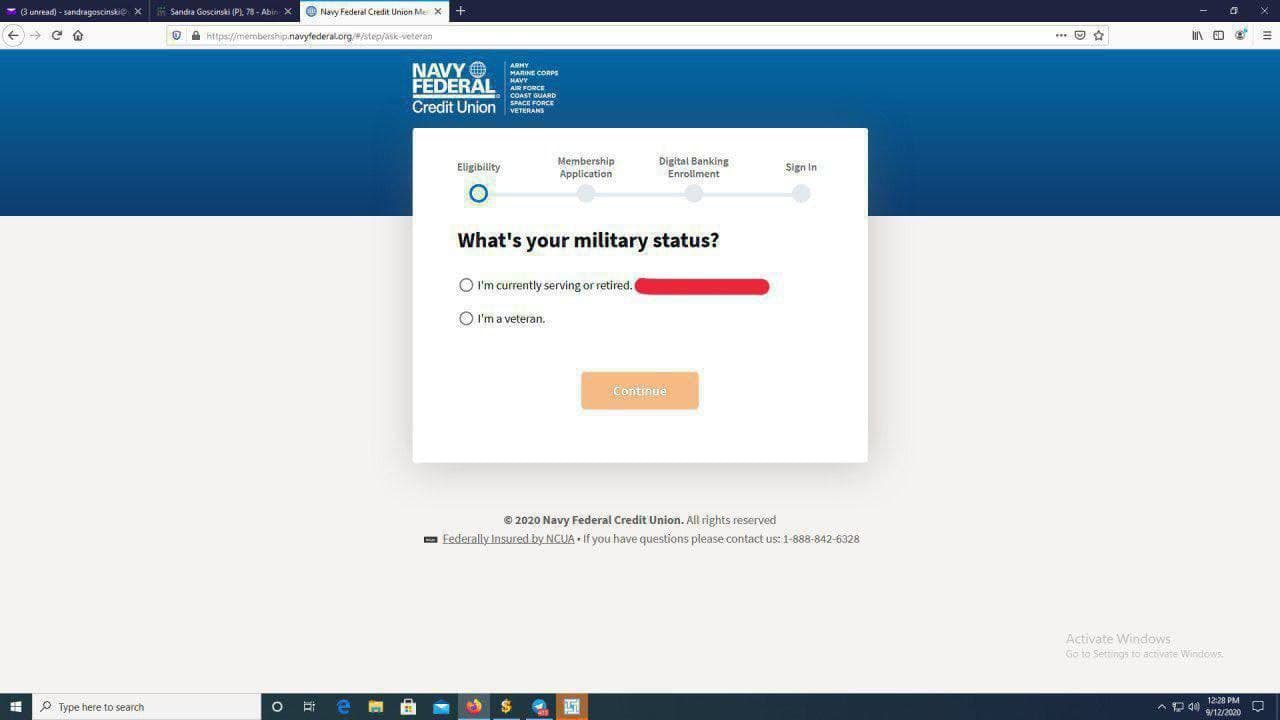
Now select 'I'm a veteran'.
5:
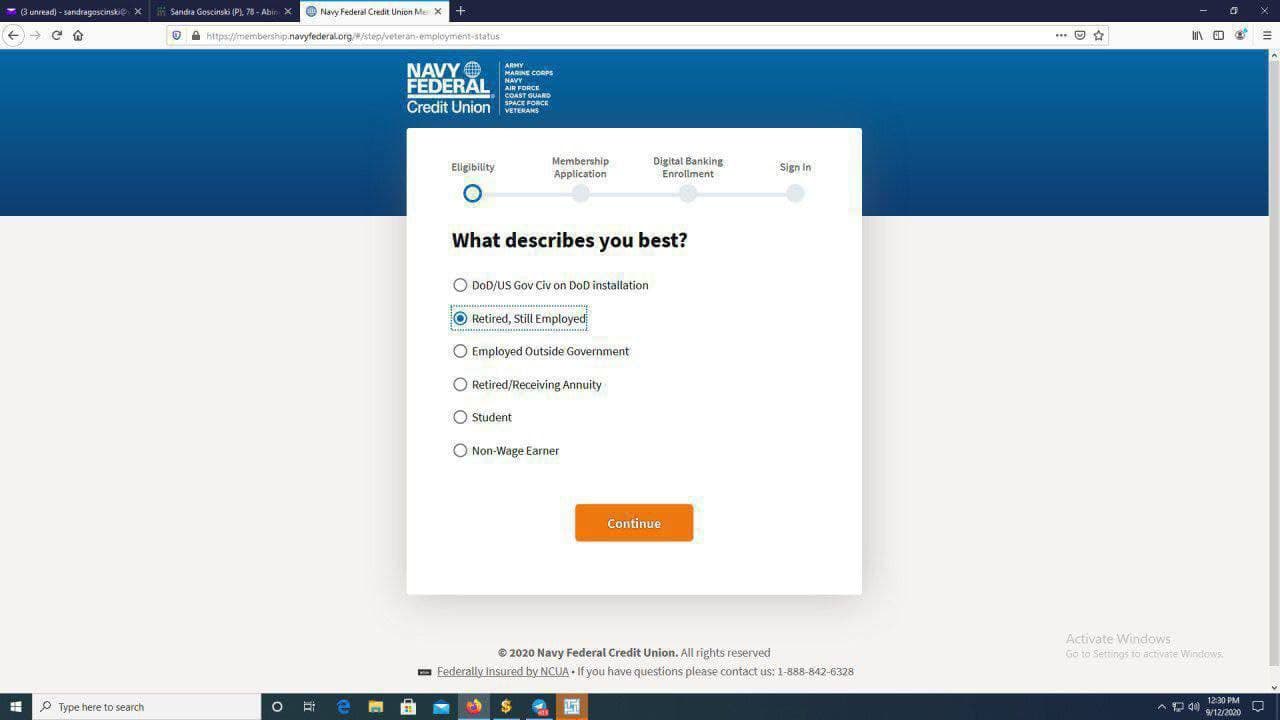
Select 'Retired/still employed'

6:
You will see this, Agree and continue
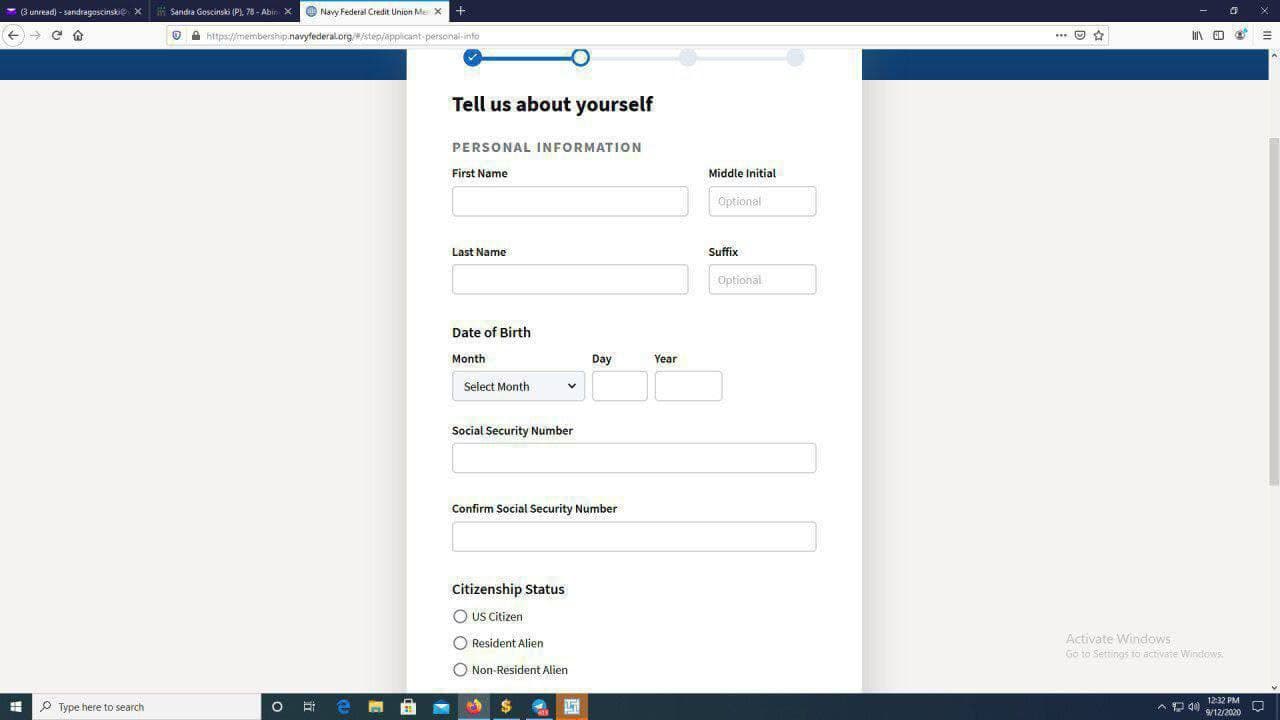
7:
You can begin putting your SSN details in

8:
The next page
File in the number and email you created and scroll down

9:
Under the 'Address type'
Select US
Fill in your drop's address

10:
Under 'Zip Code' You will see 'Have you lived at this address longer than 6 months?' Select 'NO'

11:
Put in the SSN victim's SSN address as previous address

12:
Put in the ID either state ID or DL
And select the State
If you don’t have the dL or state ID just generate fake one

13:
Now fill in the Work details that can be be found the the JOB description side of the website you used to build the SSN fullz

14:
Now my is a Insurance Broker in Hartford Ins Group so i just filled it

15:
You can select any of the accounts but mostly just leave it at first one
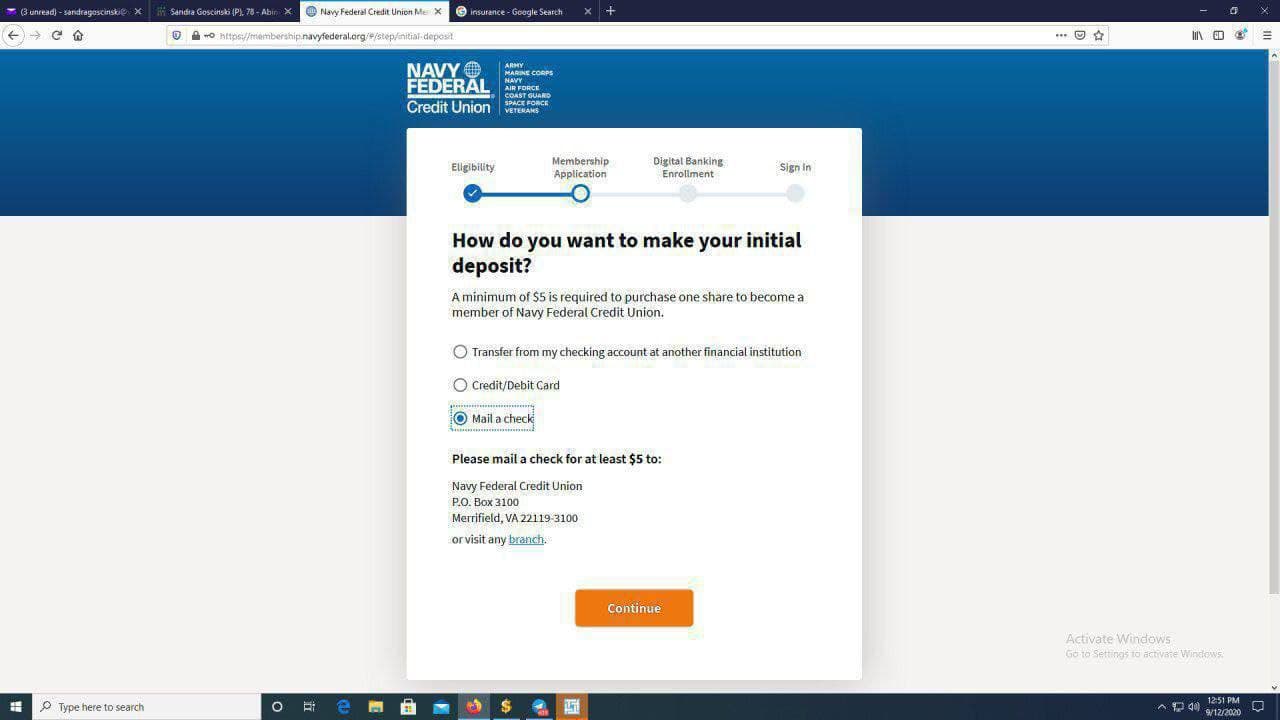
16:
Now Navy would want you to fund your account Select 'Mail a check' on
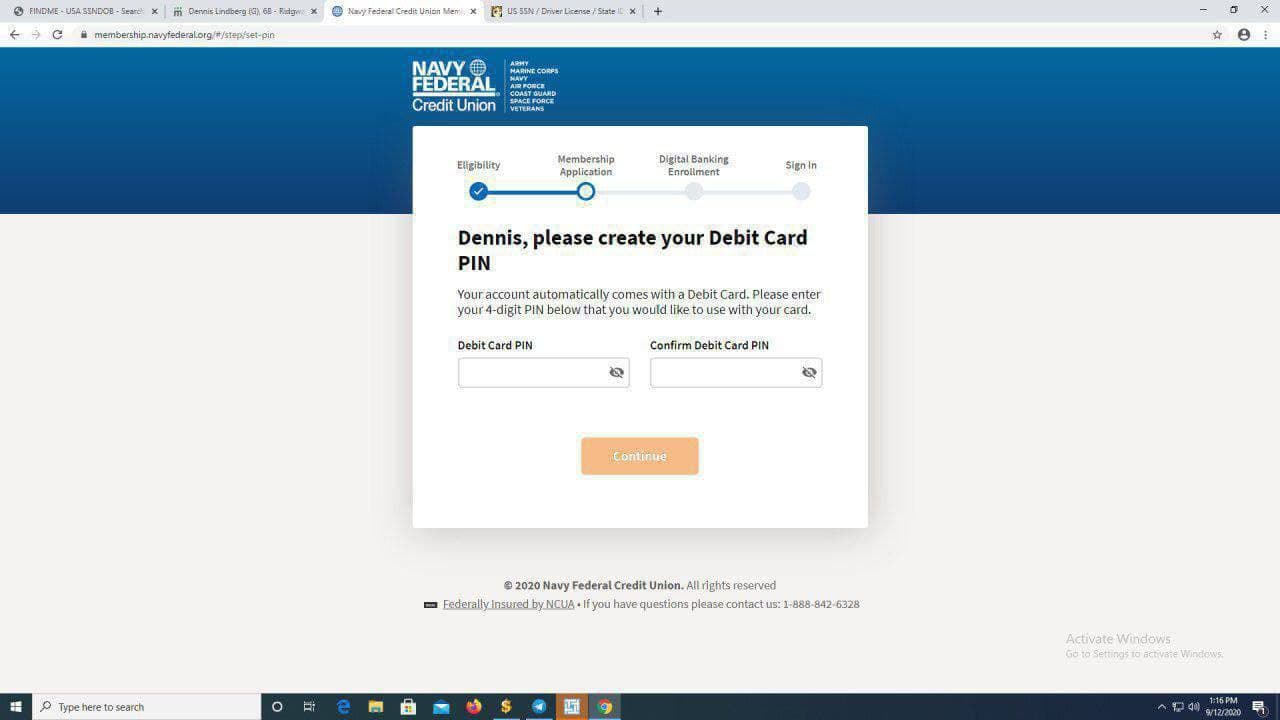
17:
This next screen you get is this SO just put in the debit card pin you would like to use and continue
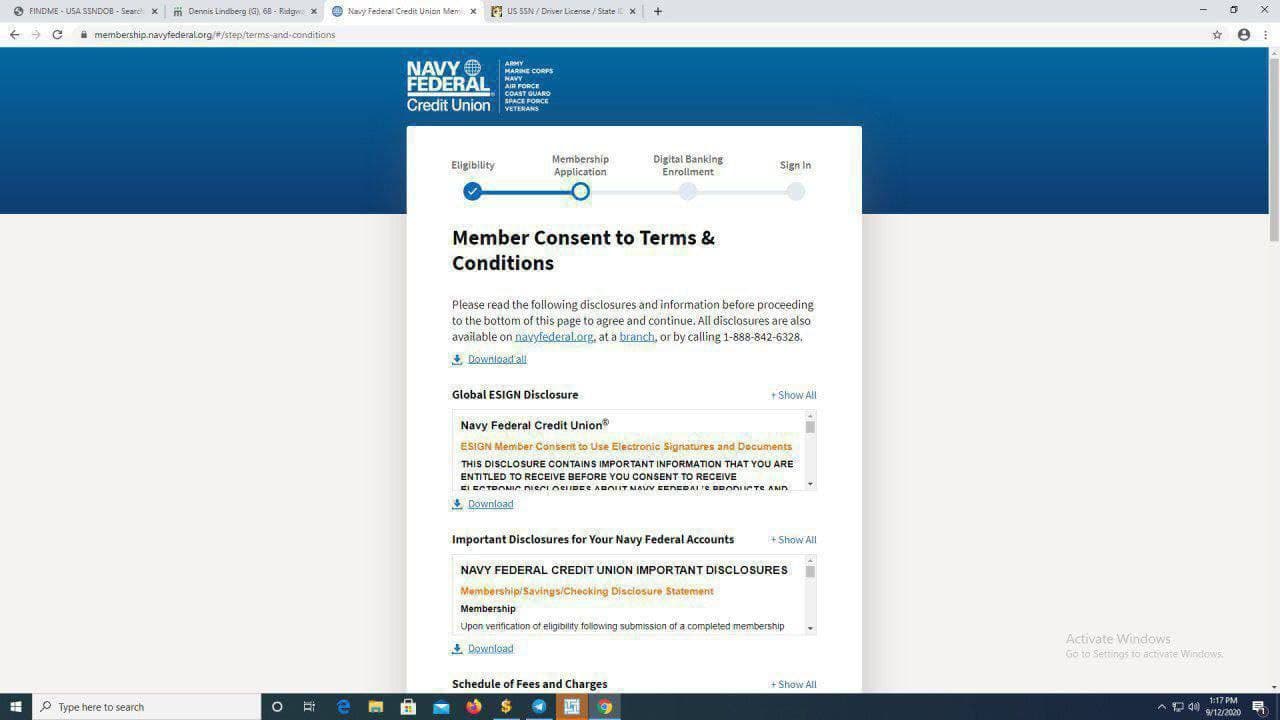
18:
Now you get to this page and you have to scroll down to agree with Navy Fed terms and conditions which brings you here

19:
Agree and continue
20:
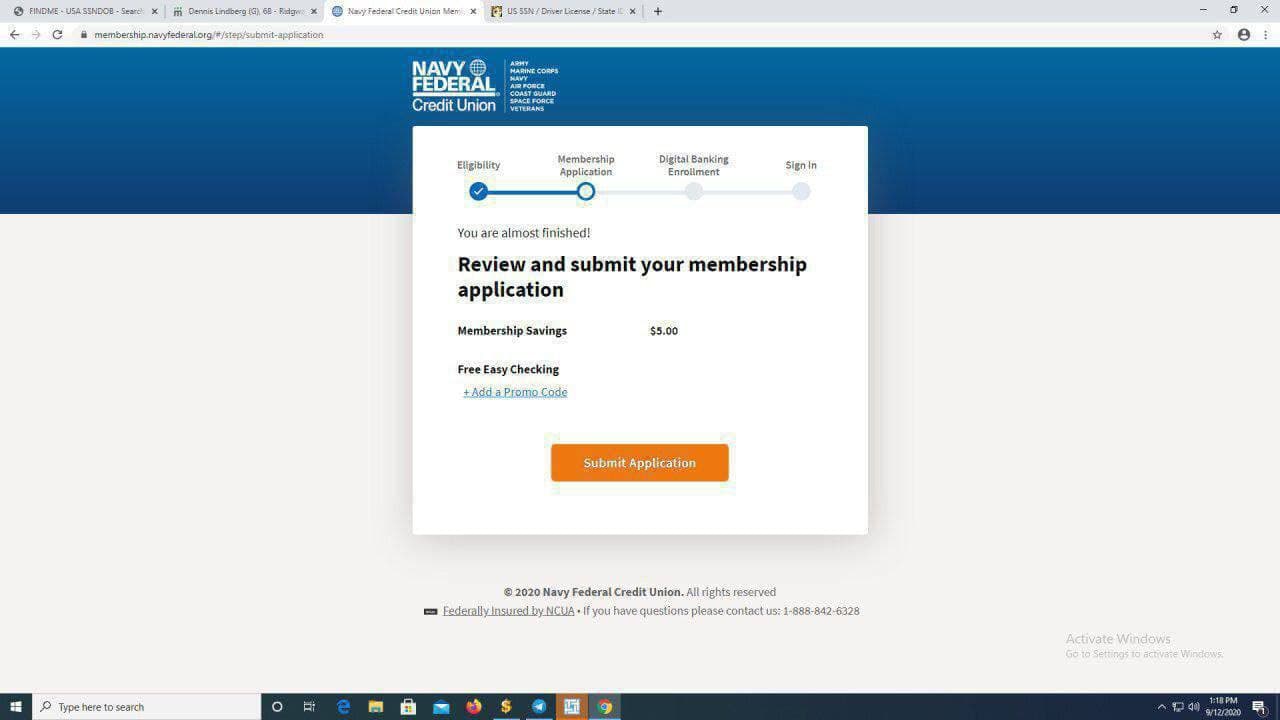
The last step is this Here it will be decided if they will approve you instantly or not SUBMIT APPLICATION

21:
See, easy as ABCD dawg,Real Quick💯 Now we click on Continue
22:
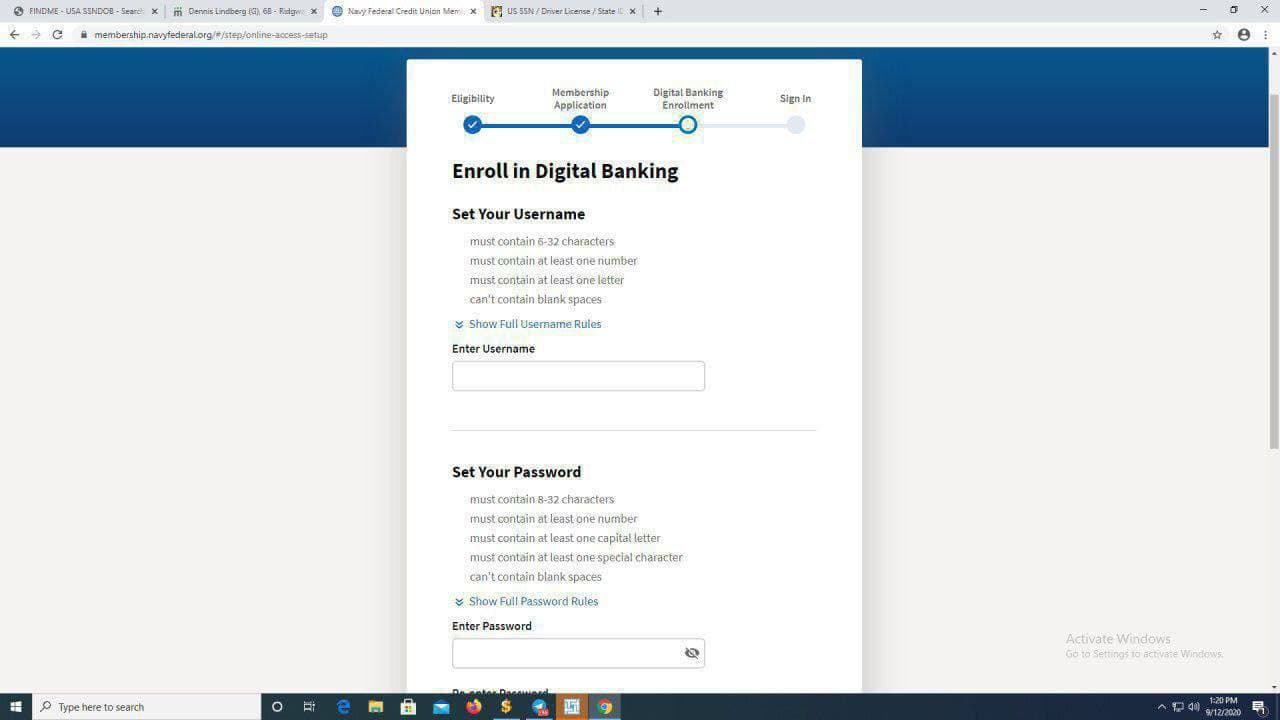
Now you set up online banking Which is your preferred username and password
23:
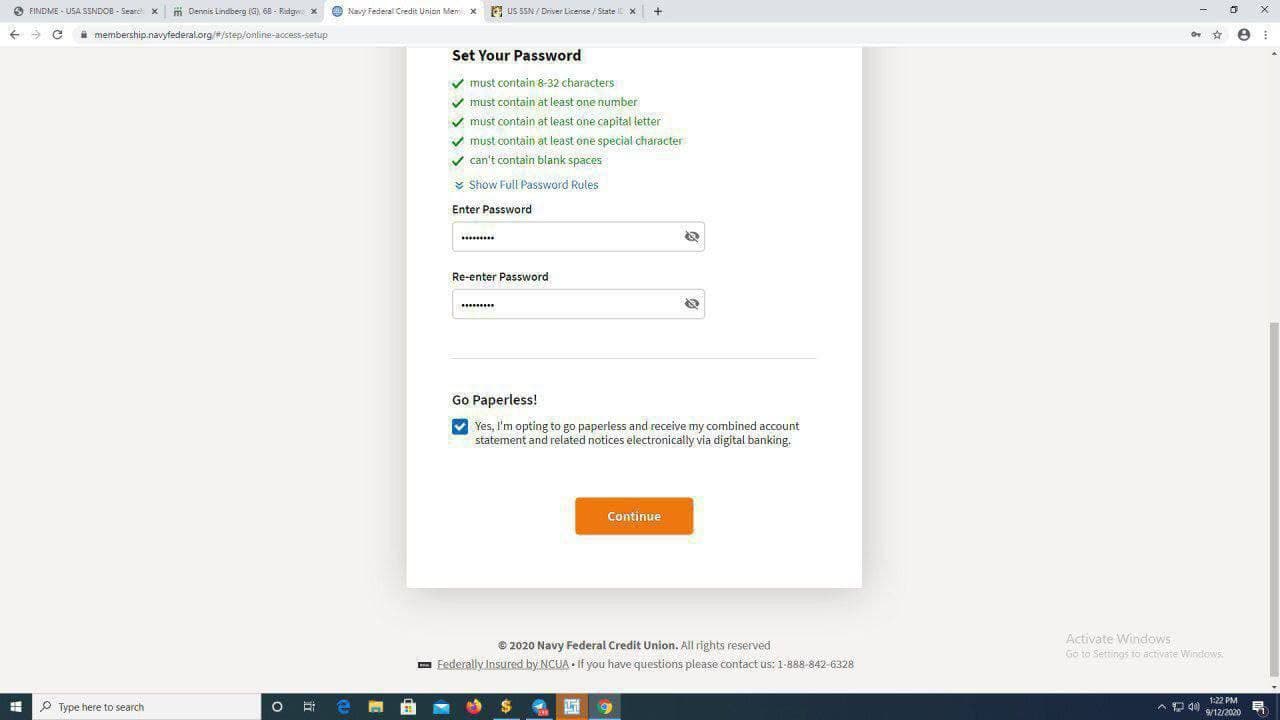
After you select a Username and password Click on 'Go paperless'
24:
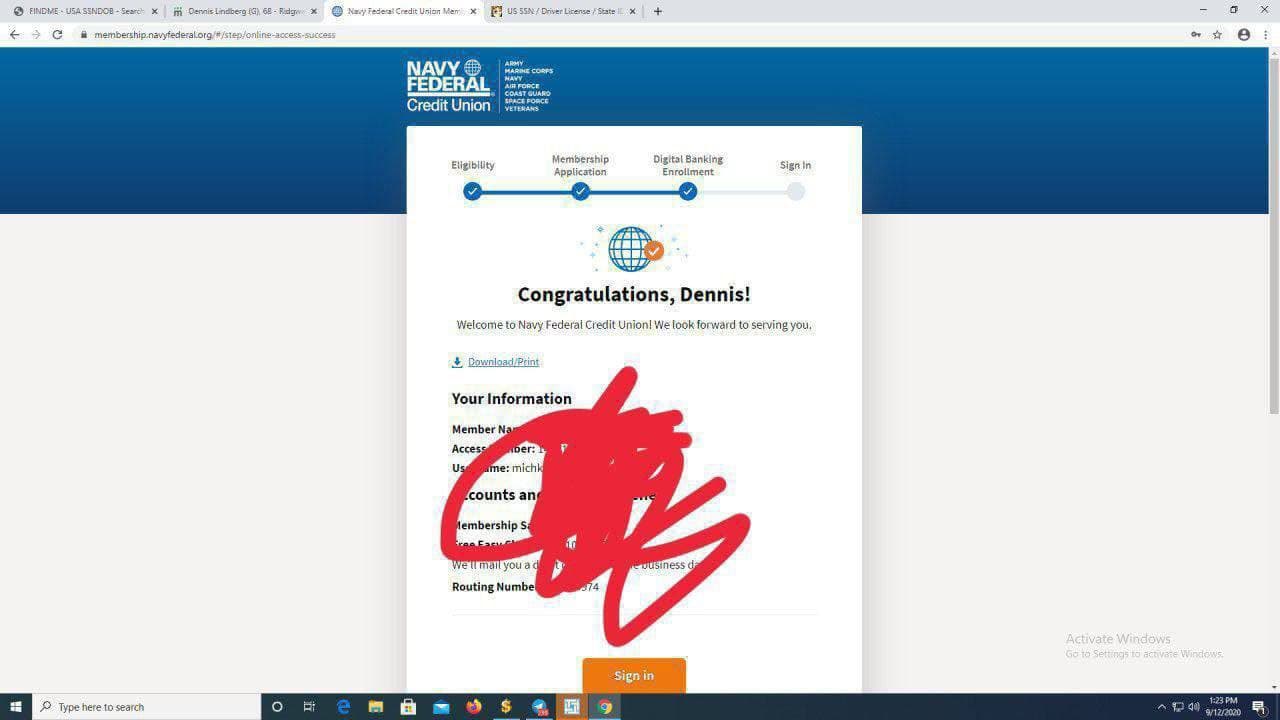
Now this is a summary of my account details so i will copy and paste them somewhere safe and click on 'SIgn IN'
25:
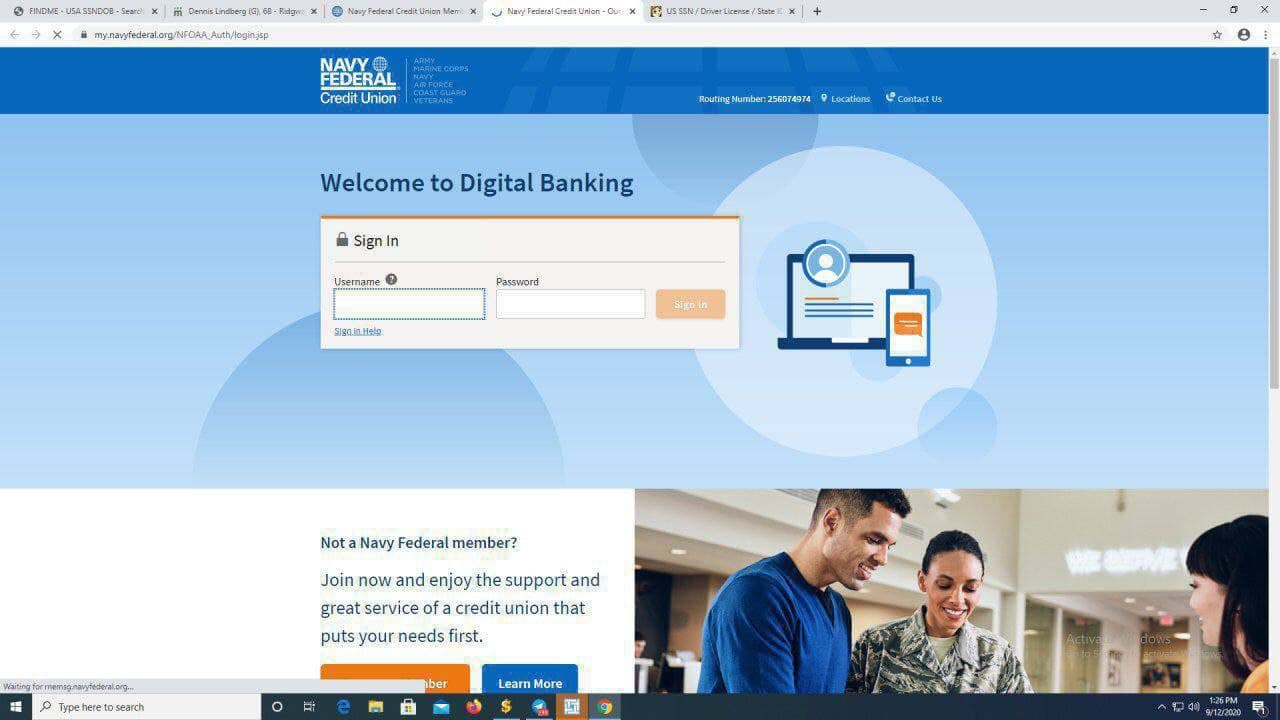
It will open a new tab and take you to the login page Put in your username and password

26:
It will ask you to verify your identity In that case they will send a code(numbers only) to your phone or email.

27:
I put in the code and i am in This is my Navyfed Account My drop will receive the card in 7 business days
28:
Now you can use name and SSN of the victim to apply for unemployment benefits and use the account numbers to receive your money